
How to Prevent Cyber Attacks in 2026: Top-Rated Antivirus Deals for US Households

Cybersecurity has become one of the biggest concerns for American families in 2026. As more households rely on smart devices, online banking, cloud storage, and remote work systems, cybercriminals are finding new ways to target everyday users. Modern attacks are no longer limited to large corporations. Families, students, seniors, and small home offices are now common victims of ransomware, phishing scams, and identity theft.
The rise of AI-powered cybercrime has made digital threats more advanced and difficult to detect. Fake emails, cloned voices, fraudulent text messages, and malicious apps can now appear extremely convincing. A single click on the wrong link can expose financial information, passwords, and personal data.
Fortunately, there are several effective ways US households can stay protected. Using strong cybersecurity habits combined with trusted antivirus software can dramatically reduce the risk of cyber attacks. This guide explains the biggest online threats in 2026, how families can protect themselves, and the top-rated antivirus deals worth considering this year.
Why Cybersecurity Matters More Than Ever in 2026
Most homes today contain dozens of internet-connected devices. Smartphones, laptops, gaming consoles, tablets, smart TVs, security cameras, and voice assistants all create potential entry points for hackers.
Cybercriminals target households because:
- Home networks often have weaker security
- Many people reuse passwords across accounts
- Smart devices are rarely updated
- Families store financial information online
- Children and seniors are easier phishing targets
Modern cyber attacks can lead to:
- Bank account theft
- Credit card fraud
- Identity theft
- Locked files from ransomware
- Privacy breaches
- Stolen social media accounts
- Spyware on home devices
For US households, prevention is far easier and less expensive than recovering from a cyber attack.
Top-Rated Antivirus Deals for US Households in 2026
Norton 360 Deluxe
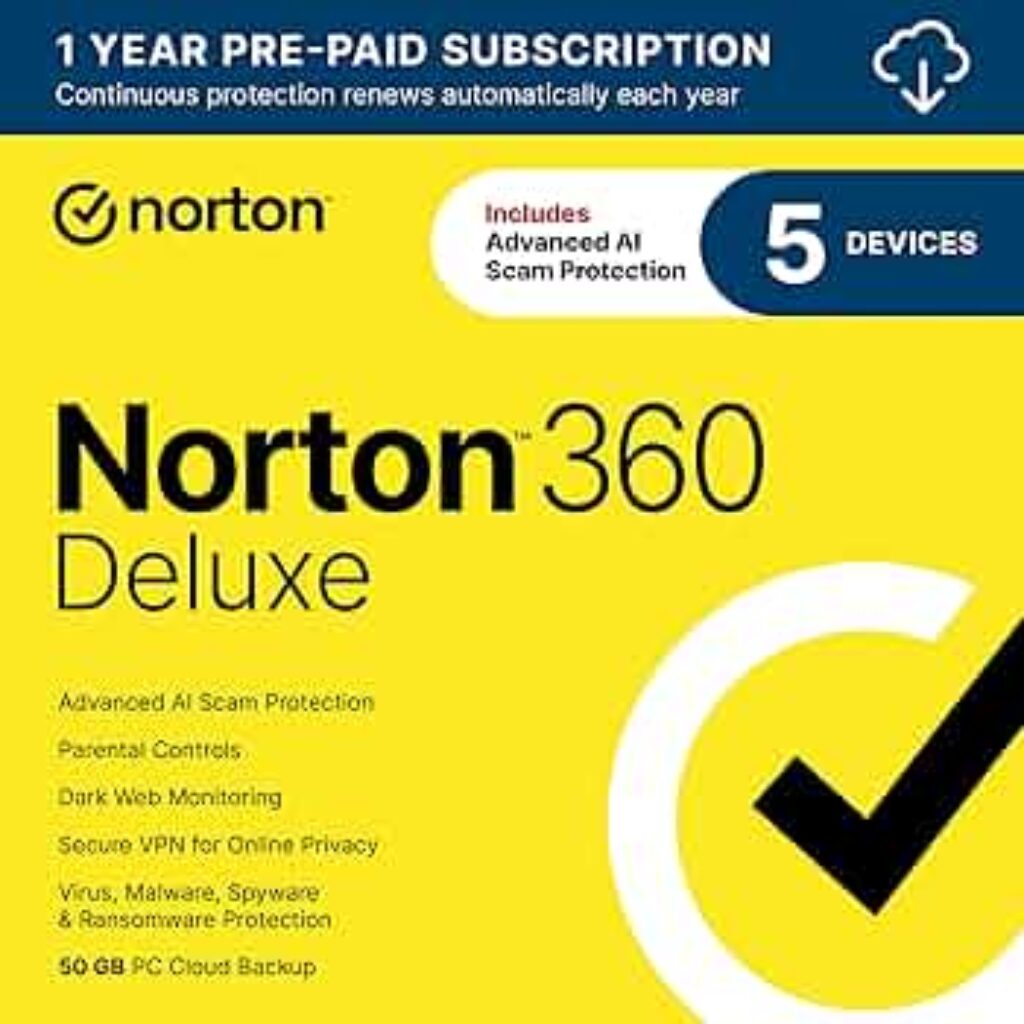
Norton 360 Deluxe is one of the most trusted antivirus solutions for families.
Key features:
- Real-time malware protection
- Secure VPN
- Dark web monitoring
- Password manager
- Parental controls
- Cloud backup
Best for:
- Families with multiple devices
- Identity theft protection
- Online banking security
Many US retailers offer discounts for first-year subscriptions.
Bitdefender Total Security
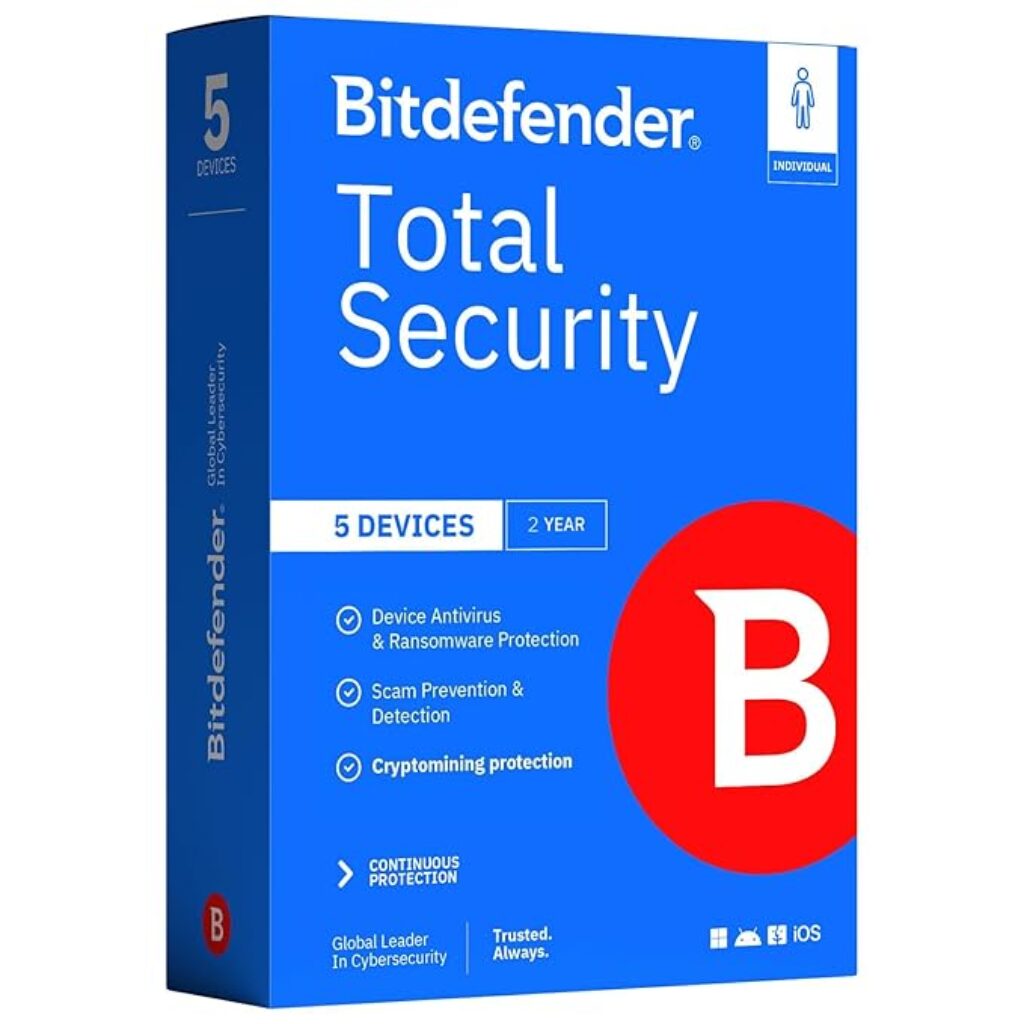
Bitdefender Total Security is known for excellent malware detection and lightweight performance.
Key features:
- Multi-layer ransomware protection
- Webcam and microphone protection
- VPN services
- Anti-phishing technology
- Cross-platform compatibility
Best for:
- Windows and Mac households
- Smart home protection
- Performance-focused users
Bitdefender frequently offers bundled multi-device deals.
McAfee Total Protection
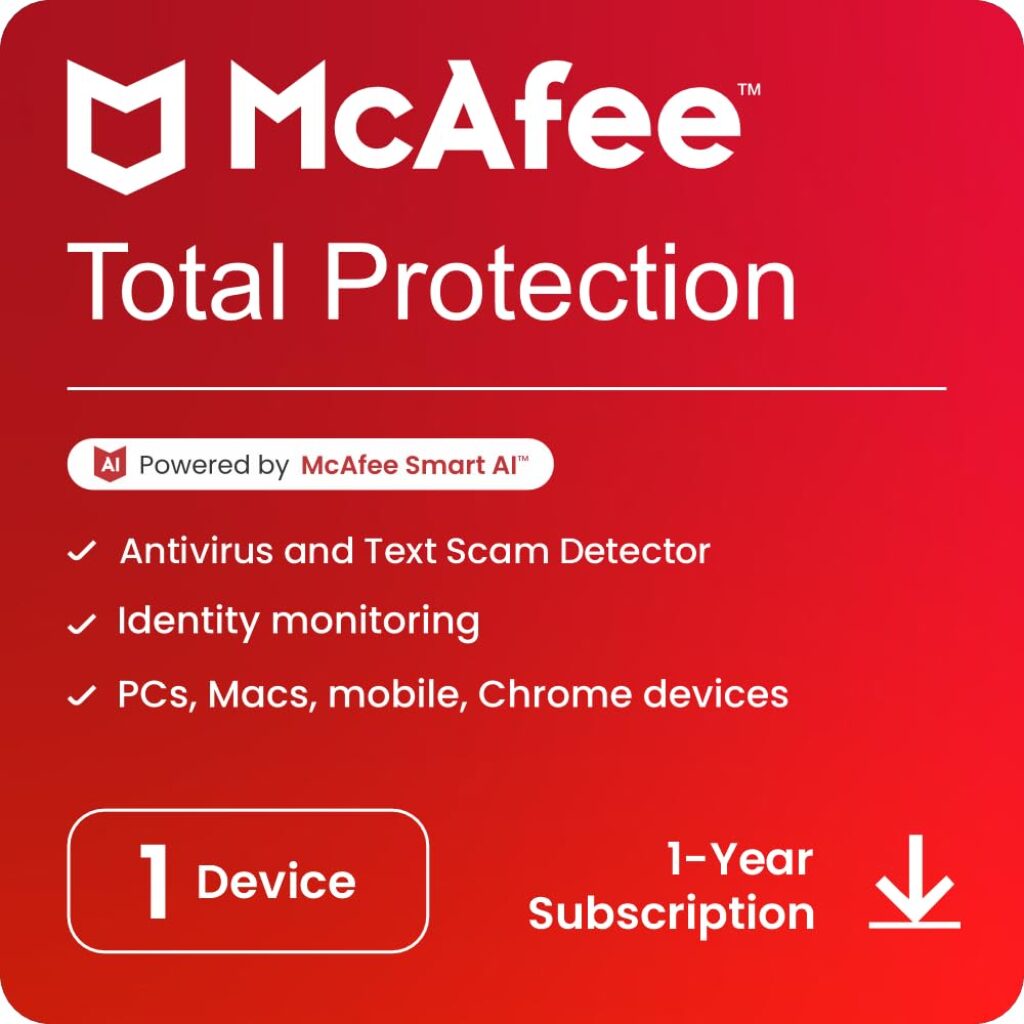
McAfee Total Protection remains a strong choice for large families.
Key features:
- Identity monitoring
- Secure browsing tools
- VPN access
- Firewall security
- Password management
Best for:
- Large households
- Unlimited device plans
- Privacy-focused users
McAfee often includes family-focused pricing plans.
Kaspersky Premium
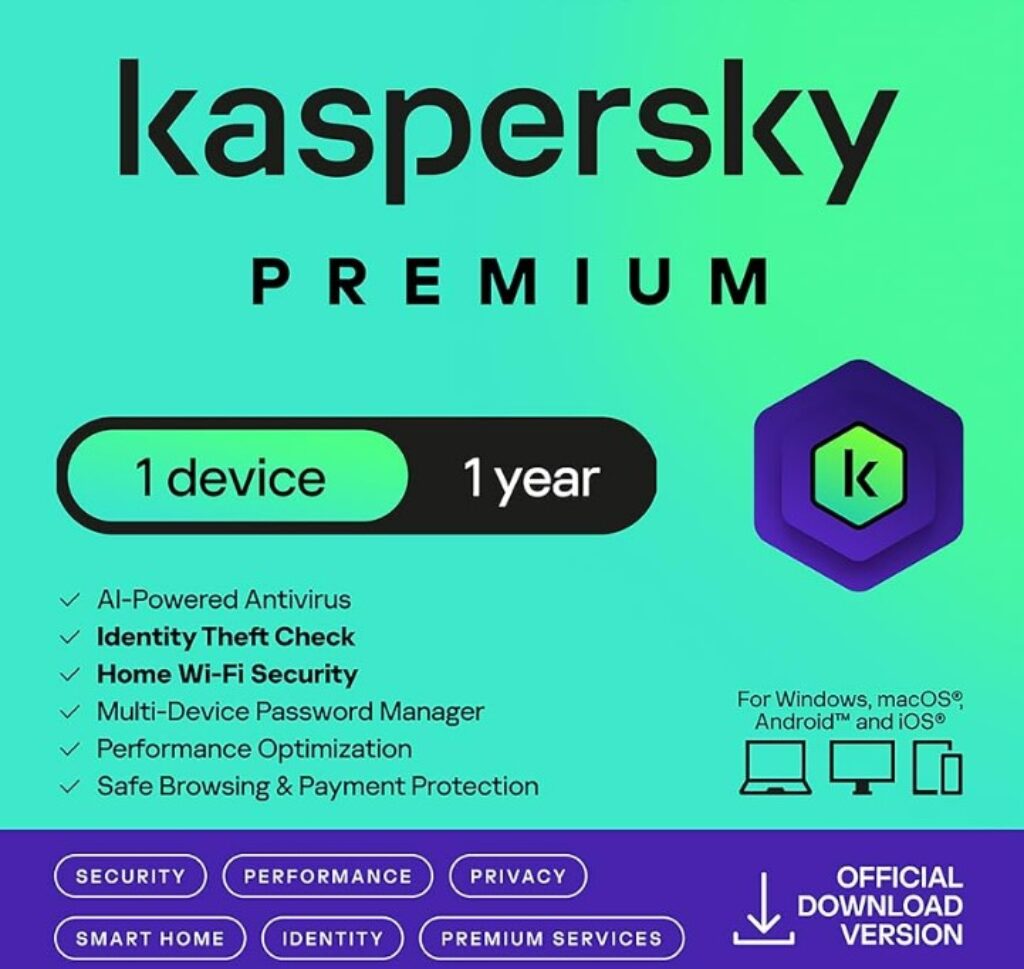
Kaspersky Premium continues to deliver strong malware detection and privacy tools.
Key features:
- Advanced antivirus scanning
- Safe browsing tools
- Password manager
- Data leak monitoring
- Secure payment protection
Best for:
- Online shopping security
- Financial protection
- Advanced users
Premium plans usually include discounts for annual subscriptions.
Trend Micro Maximum Security
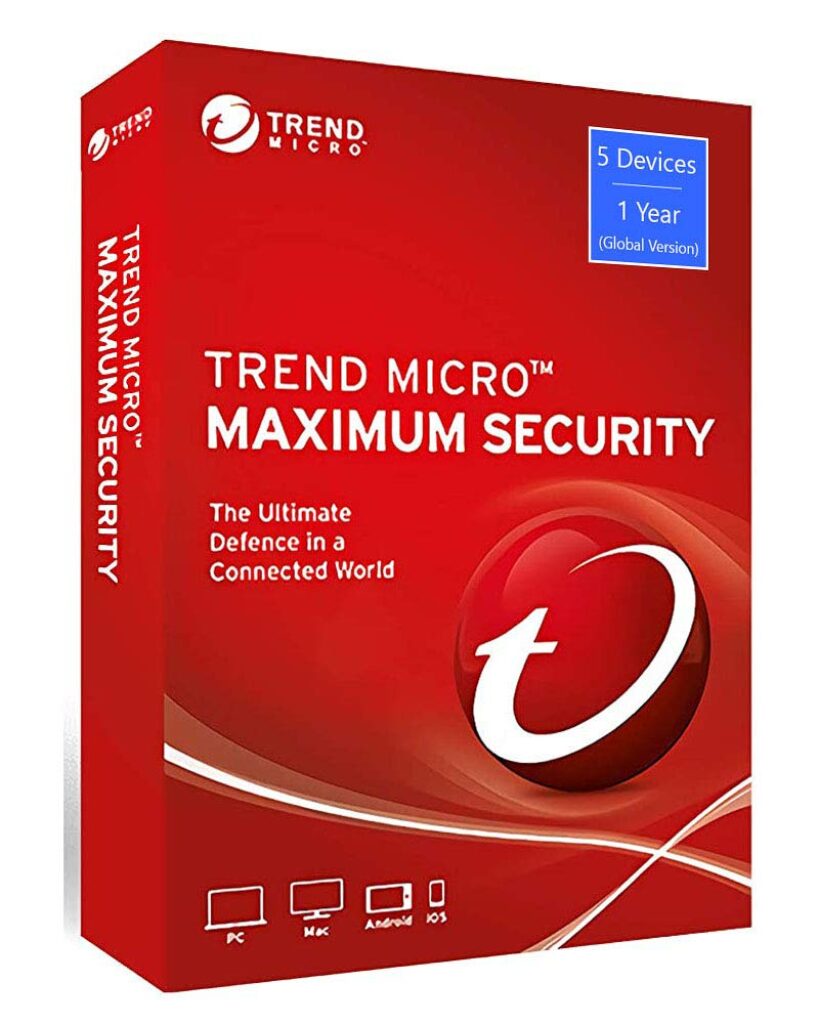
Trend Micro Maximum Security focuses heavily on ransomware and phishing protection.
Key features:
- AI-powered threat detection
- Email scam blocking
- Social media privacy protection
- Secure browsing
- Device optimization
Best for:
- Email-heavy users
- Social media protection
- Ransomware defense
Trend Micro is often recommended for beginner-friendly protection.
Avast One Platinum

Avast One Platinum combines security, privacy, and identity monitoring features.
Key features:
- Real-time antivirus scanning
- VPN service
- Identity protection
- Device cleanup tools
- Scam protection
Best for:
- All-in-one security
- Privacy-conscious families
- Cross-device protection
Avast frequently provides competitive promotional pricing.
Most Common Cyber Threats in 2026
AI-Powered Phishing Emails
Phishing attacks have become much more sophisticated. Attackers now use artificial intelligence to create highly realistic emails and text messages that imitate trusted companies.
These scams often pretend to be:
- Banks
- Amazon deliveries
- Netflix billing notices
- Government agencies
- PayPal alerts
- Social media platforms
Many phishing messages include urgent language designed to pressure users into clicking dangerous links.
Ransomware Attacks
Ransomware continues to be one of the most damaging cyber threats. Hackers encrypt files and demand payment to restore access.
Families are increasingly targeted because:
- Personal photos and documents are valuable
- Home users typically lack backups
- Smaller targets often have weaker defenses
Some ransomware attacks now target smart home systems and connected devices.
Identity Theft
Cybercriminals steal personal information to open fraudulent accounts, access financial records, or make unauthorized purchases.
Common stolen information includes:
- Social Security numbers
- Banking details
- Passwords
- Driver’s license information
- Credit card data
Identity theft can take months or even years to fully resolve.
Smart Home Device Hacking
Smart devices can create security risks when they are not updated regularly. Hackers may target:
- Smart doorbells
- Wi-Fi cameras
- Smart locks
- Baby monitors
- Smart speakers
- Home routers
Weak passwords and outdated firmware make these devices vulnerable.
Public Wi-Fi Attacks
Many people still use unsecured Wi-Fi networks at airports, coffee shops, hotels, and public spaces. Cybercriminals can intercept data on these networks if users are not protected by secure encryption or VPN services.
Best Ways to Prevent Cyber Attacks at Home
Use Trusted Antivirus Software
A reliable antivirus suite is the first line of defense against malware, ransomware, spyware, and phishing attacks.
Modern antivirus software offers:
- Real-time threat monitoring
- AI-powered malware detection
- Firewall protection
- Secure VPN access
- Password management
- Dark web monitoring
- Identity theft protection
Choosing a premium antivirus solution is one of the smartest investments households can make in 2026.
Keep Devices Updated
Software updates often contain critical security patches that protect against newly discovered vulnerabilities.
Always update:
- Operating systems
- Browsers
- Mobile apps
- Smart home devices
- Antivirus software
- Wi-Fi routers
Automatic updates help reduce security gaps.
Use Strong and Unique Passwords
Weak passwords remain one of the biggest cybersecurity risks.
A strong password should:
- Contain at least 12 characters
- Include uppercase and lowercase letters
- Use numbers and symbols
- Avoid personal information
Never reuse the same password across multiple accounts.
Password managers can securely store and generate complex passwords.
Enable Multi-Factor Authentication
Multi-factor authentication adds another security layer by requiring a second verification step.
Examples include:
- SMS verification codes
- Authentication apps
- Fingerprint scans
- Face recognition
Even if hackers steal a password, MFA can block unauthorized access.
Secure Your Home Wi-Fi Network
A poorly secured router can expose every connected device in your home.
Important router security tips:
- Change default router passwords
- Use WPA3 encryption if available
- Disable remote access
- Update router firmware regularly
- Create a guest network for visitors
Strong Wi-Fi security helps prevent unauthorized access.
Be Careful with Emails and Links
Never click suspicious links or download unexpected attachments.
Watch for warning signs such as:
- Poor grammar
- Urgent payment requests
- Unknown senders
- Fake login pages
- Unexpected invoices
When in doubt, visit company websites directly instead of using email links.
Back Up Important Files
Regular backups can protect against ransomware and accidental data loss.
Recommended backup options include:
- External hard drives
- Cloud backup services
- Automatic system backups
Keeping multiple backup copies is ideal.
How to Choose the Right Antivirus for Your Household
Not every household has the same cybersecurity needs. Before choosing antivirus software, consider the following factors.
Number of Devices
Large families may need plans covering:
- PCs
- Macs
- Smartphones
- Tablets
- Smart TVs
Multi-device plans often provide better value.
Online Activity
Households that frequently:
- Shop online
- Use banking apps
- Work remotely
- Store sensitive documents
should prioritize identity protection and secure VPN services.
Children and Family Safety
Parental control features can help:
- Block harmful websites
- Limit screen time
- Monitor online activity
- Protect children from scams
Budget
Many premium antivirus services offer:
- Introductory discounts
- Bundle deals
- Annual subscription savings
Comparing features is more important than simply choosing the cheapest option.
Signs Your Device May Already Be Infected
Some cyber attacks remain hidden for weeks or months. Watch for these warning signs:
- Slower device performance
- Frequent pop-up ads
- Unknown programs installed
- Browser redirects
- Unusual account activity
- Disabled antivirus software
- Overheating devices
- Unexpected password changes
If you notice these symptoms, run a full antivirus scan immediately.
Cybersecurity Habits Every Family Should Follow
Building good cybersecurity habits is just as important as installing antivirus software.
Recommended daily practices include:
- Avoiding suspicious downloads
- Verifying websites before entering passwords
- Logging out of shared devices
- Using secure payment methods
- Monitoring financial accounts regularly
- Teaching children online safety basics
- Reviewing privacy settings on apps
Simple habits can significantly reduce cyber risks.
Final Thoughts
Cyber threats are evolving rapidly in 2026, and US households are increasingly becoming targets for hackers, scammers, and identity thieves. AI-powered attacks, ransomware campaigns, and phishing scams are more convincing than ever, making strong digital protection essential for every family.
The best defense combines smart online behavior with reliable antivirus software. Investing in a trusted cybersecurity suite can protect your devices, finances, personal data, and online privacy from modern threats.
Whether you choose Norton, Bitdefender, McAfee, Kaspersky, Trend Micro, or Avast, the right antivirus solution can provide peace of mind and help your household stay secure in an increasingly connected world.